Self-hosted, S3-compatible
object storage.
Cairn speaks the S3 API, stores objects as plain files on a normal filesystem, and keeps all metadata in embedded SQLite. One static binary. No external database, no clustering layer, no separate storage daemon to run.
A single-node object store that speaks S3
Cairn implements the Amazon S3 API with enough fidelity that unmodified S3 clients, SDKs, and the aws CLI work against it without special-casing. Object bytes live as plain files on a POSIX filesystem; all metadata lives in one embedded SQLite database, which is the single source of truth. Point any S3 client at it, or use the built-in web console.
- Plain files on disk
- Object data lives in ordinary filesystem files. Compression and encryption are handled by Cairn; use S3 or the CLI to export the original object bytes.
- Embedded SQLite metadata
- All metadata in one database file, with a single commit point for visible writes. Back up metadata and object data together using the offline backup command.
- One static binary
- The server, the web console, and the CLI ship as one file — on a homelab box, a VPS, or a small production node. A distroless container image is published too.
How it works
Cairn is one process with an API listener, an optional console, and two durable stores — no clustering layer, no external database, no separate storage daemon. A request flows straight down the stack: authenticated, authorized, and handled, then committed. Reads come off a WAL pool; every write goes through a single group-committing writer, so the database has exactly one linearization point. Each store sits behind a small trait interface, so the SQLite metadata engine, the file BlobStore, and the crypto layer are swappable without touching the S3 surface above them.
S3 and native administration use SigV4 or Bearer credentials. The console uses a browser session for management and signed API URLs for object transfers.
One API listener and an optional console listener. Both expose the same administrator-gated management handlers. Sessions and public download shares use the console; health, metrics and STS use the API port.
S3 requests pass through policy, ACL and ownership checks; native administration requires an administrator. Bodies stream, and server-side encryption seals on write and opens on read, failing closed.
Metadata mutations go through one group-committing writer. Object publication commits here after the bytes are durable. Reads use a WAL connection pool and a bounded read-through cache.
Every physical write requires durable Writer admission before staging, fsync and rename. Exact cleanup claims reclaim superseded or orphaned paths; full startup reconciliation remains mandatory.
Durable outbox-driven workers run off the metadata store: asynchronous replication, lifecycle expiry, webhook delivery, and an opt-in integrity scrub.
Durability is an ordered contract. Object bytes are staged and fsynced before the metadata transaction that publishes them. With the default fully synchronous metadata setting, an acknowledged write is durable across power loss. On restart, Cairn reconciles unfinished storage work and reclaims orphaned paths.
Durable Writer admission precedes step 1. The publication commit (step 6) makes the object visible; subsequent cleanup is retried independently. Protect against disk or host failure with appropriate underlying storage, backups and replication.
What it does
- S3 API
- Buckets and objects, byte-range and conditional reads, multipart upload, copy, and bulk delete. v1/v2 and version listings. Checksums (CRC32, CRC32C, CRC64NVME, SHA-1, SHA-256). Versioning, tagging, CORS, lifecycle expiration, object lock (WORM), and presigned URLs. SigV4 — header and streaming-chunked — and Bearer authentication. The aws CLI and the standard AWS SDKs work against it.
- Web console
- Manage buckets and users on its own port. Browse, upload, preview, and share objects. Public download links can use the console while the API stays private; uploads and inline previews need the separate API origin. Disabling the console leaves native administration available through the API and CLI.
- Access control
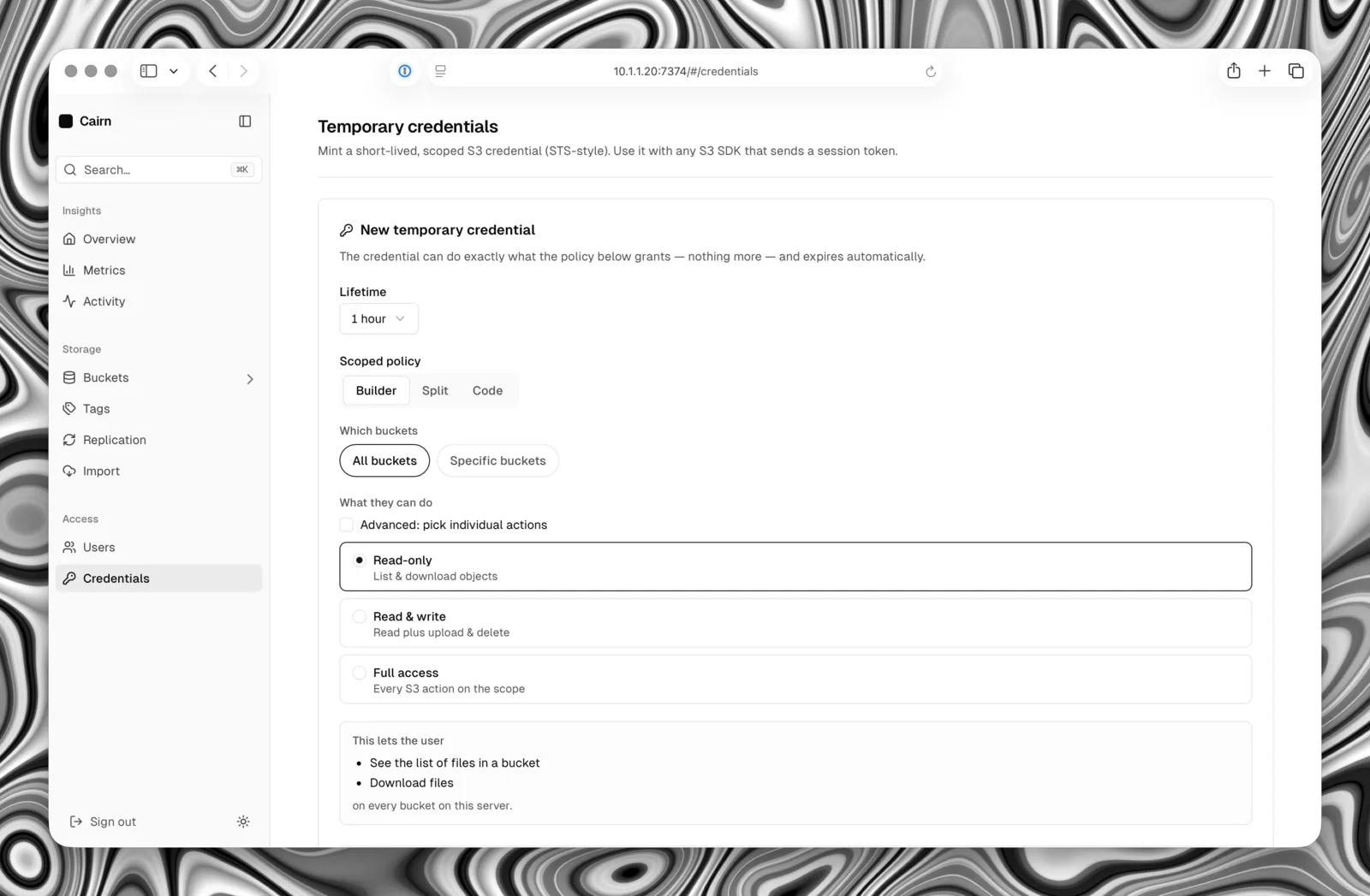
- Bucket policies, ACLs, Block Public Access, and Object Ownership — a real policy-evaluation engine, not a role check. Short-lived credentials through the AWS-STS surface (AssumeRole, GetSessionToken), served on the S3 port or the management API.
- Security & encryption
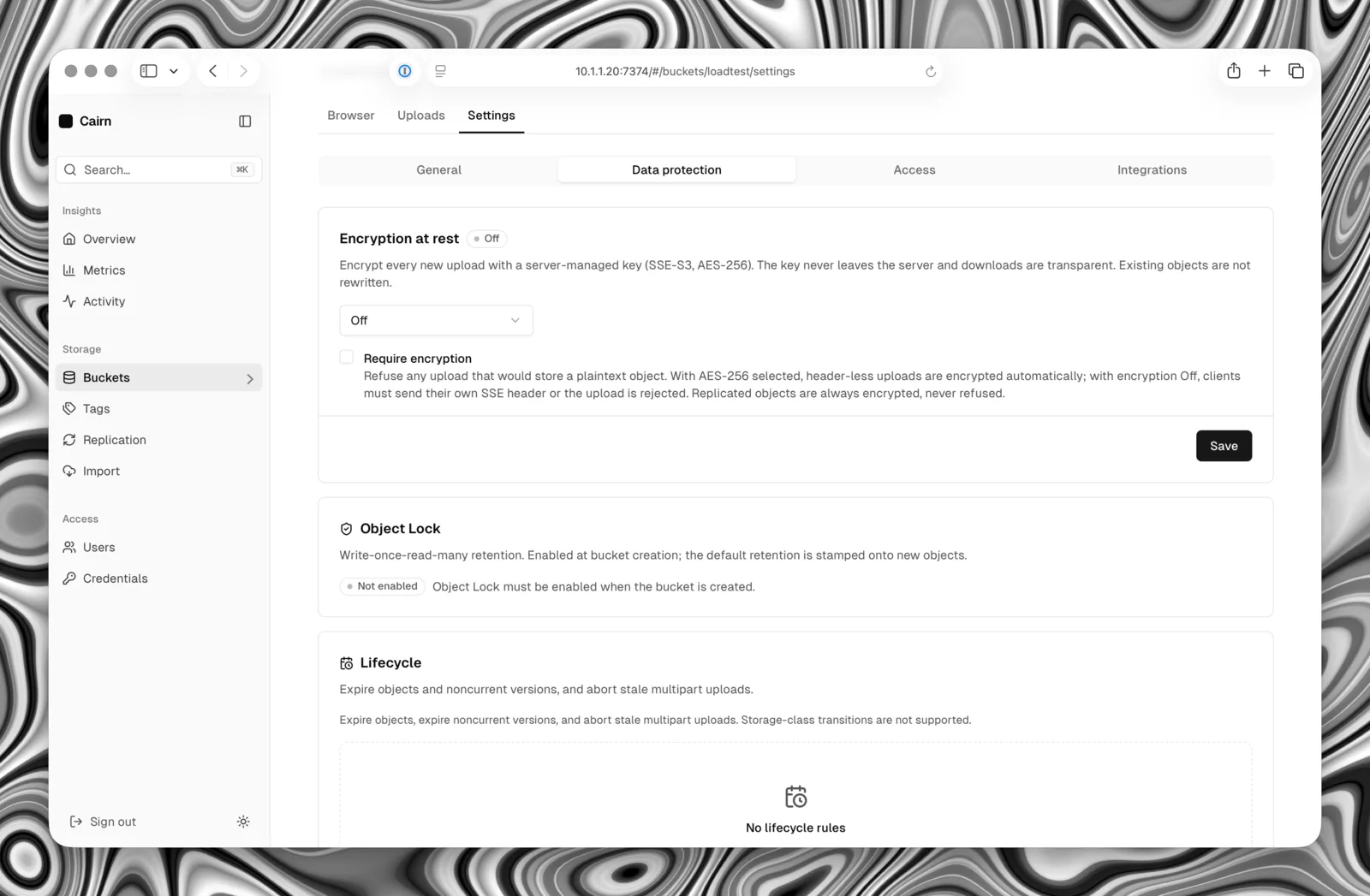
- Native TLS. AES-256-GCM encryption of secrets at rest, with online master-key rotation. Server-side object encryption: per-bucket SSE-S3, an aws:kms request surface, optional mandatory-encryption enforcement, and transparent encryption of every object at rest.
- Durability
- Writes are staged, fsynced, atomically renamed, and acknowledged only after a single metadata commit. On restart Cairn reconciles and reclaims orphaned data. Acknowledged writes survive power loss.
- Storage efficiency
- Optional per-bucket block compression, with range reads that touch only the blocks they need.
- Operations
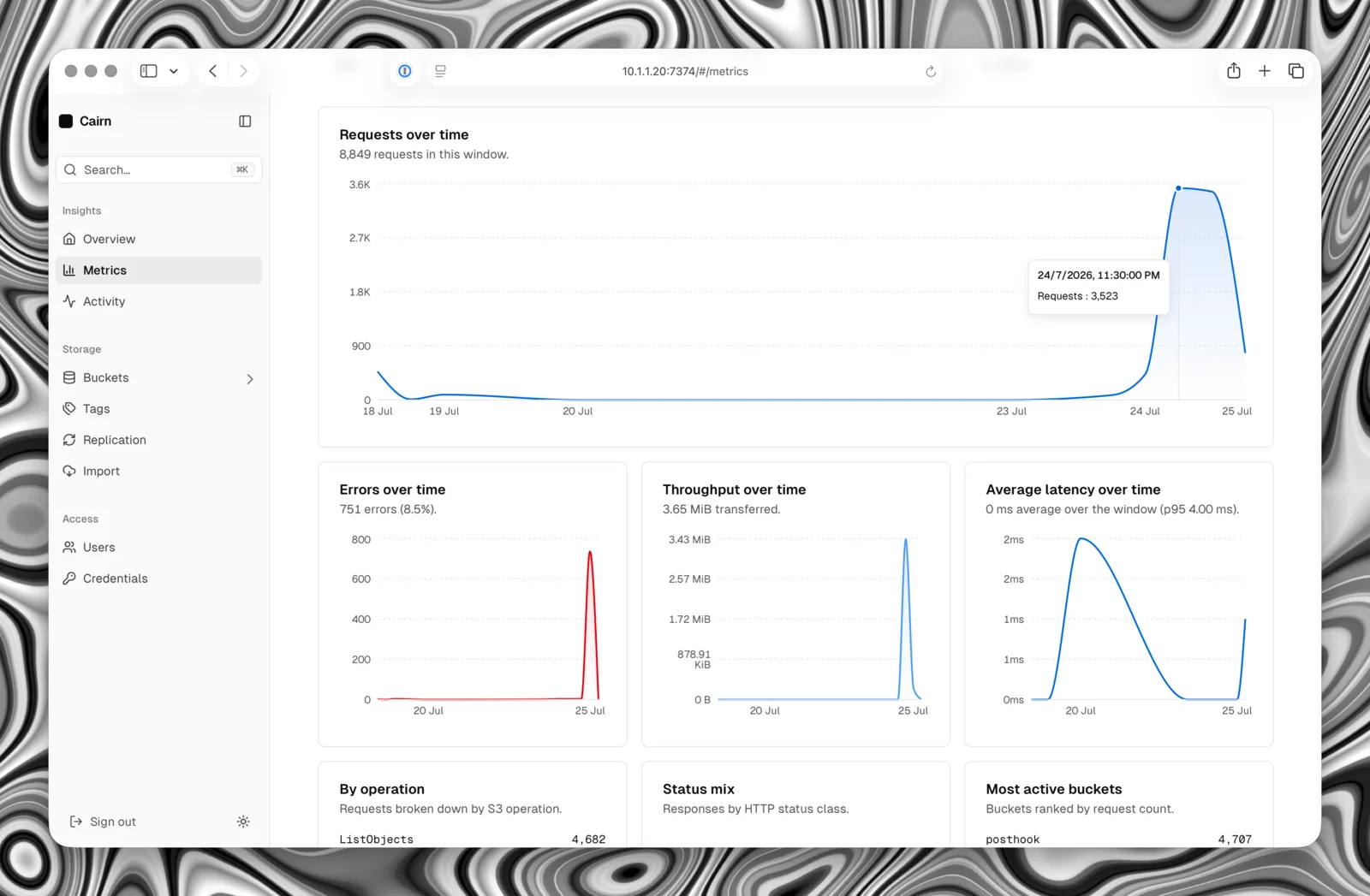
- Prometheus metrics, liveness and readiness endpoints, structured logs, and a built-in Docker health check. Asynchronous bucket replication, webhooks, and streaming import from MinIO, Garage, R2, AWS or another Cairn. Native administration and S3 share one API endpoint; the CLI also handles offline backup, restore and storage baselines.
What it looks like
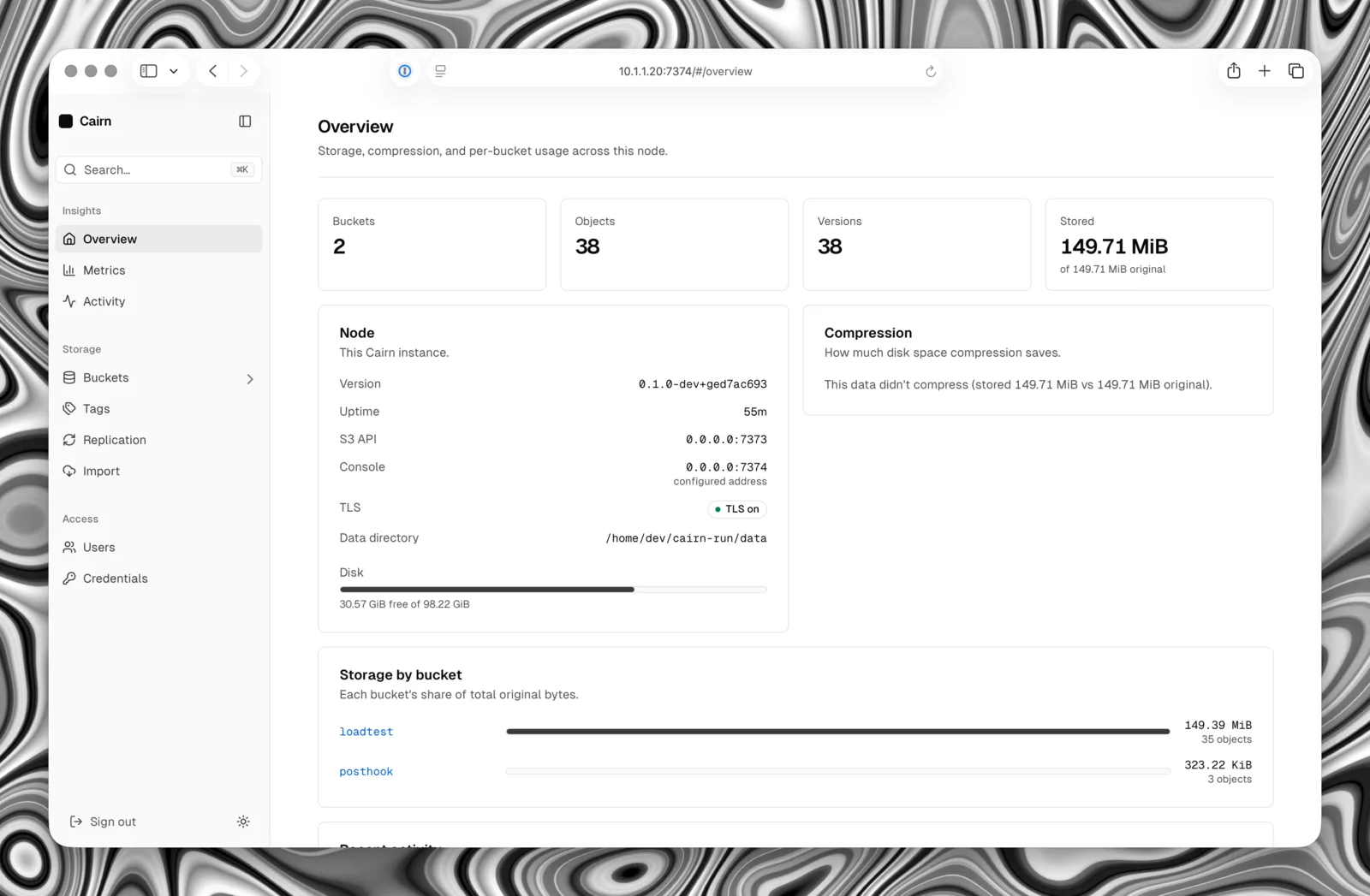
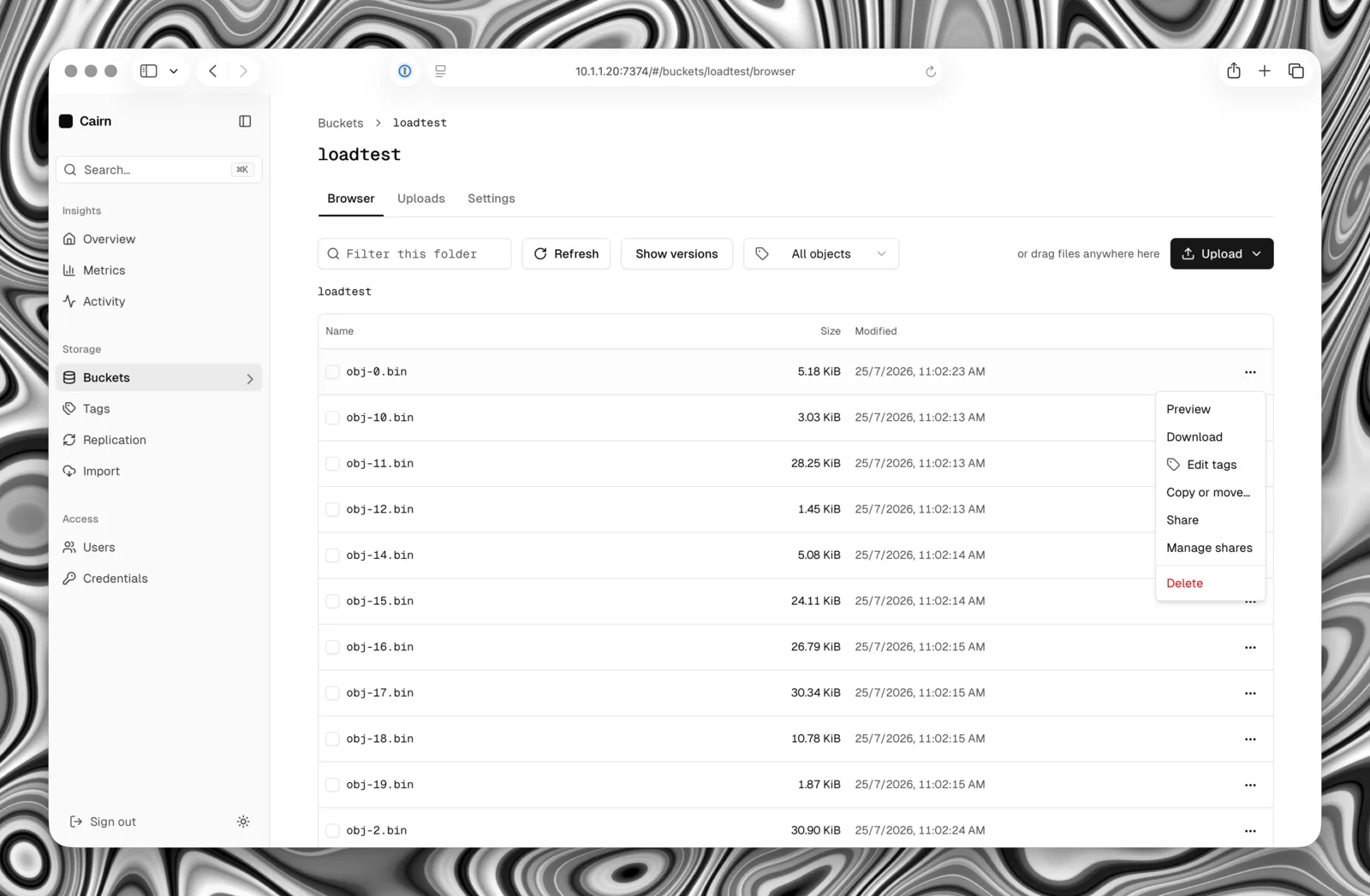
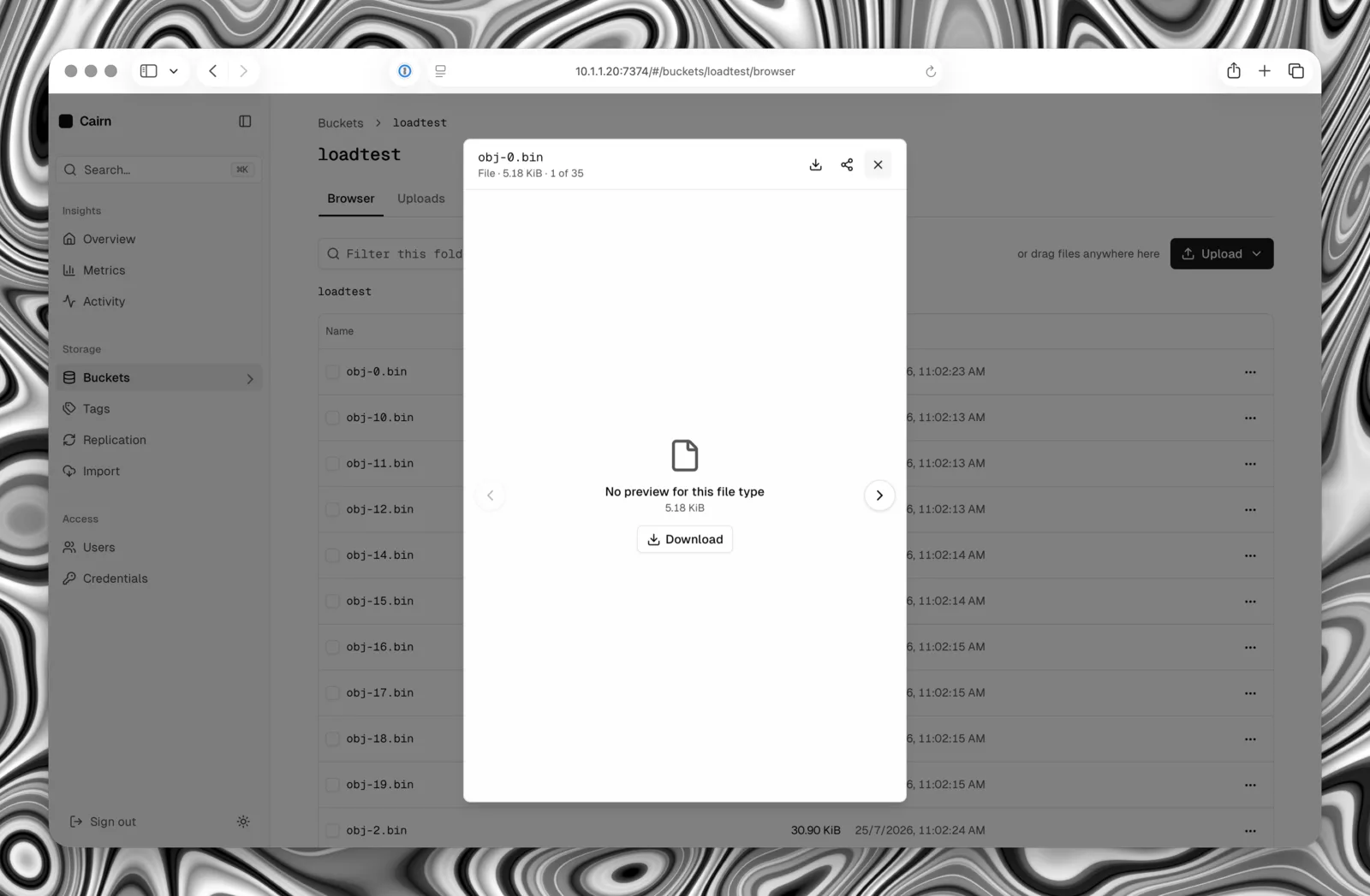
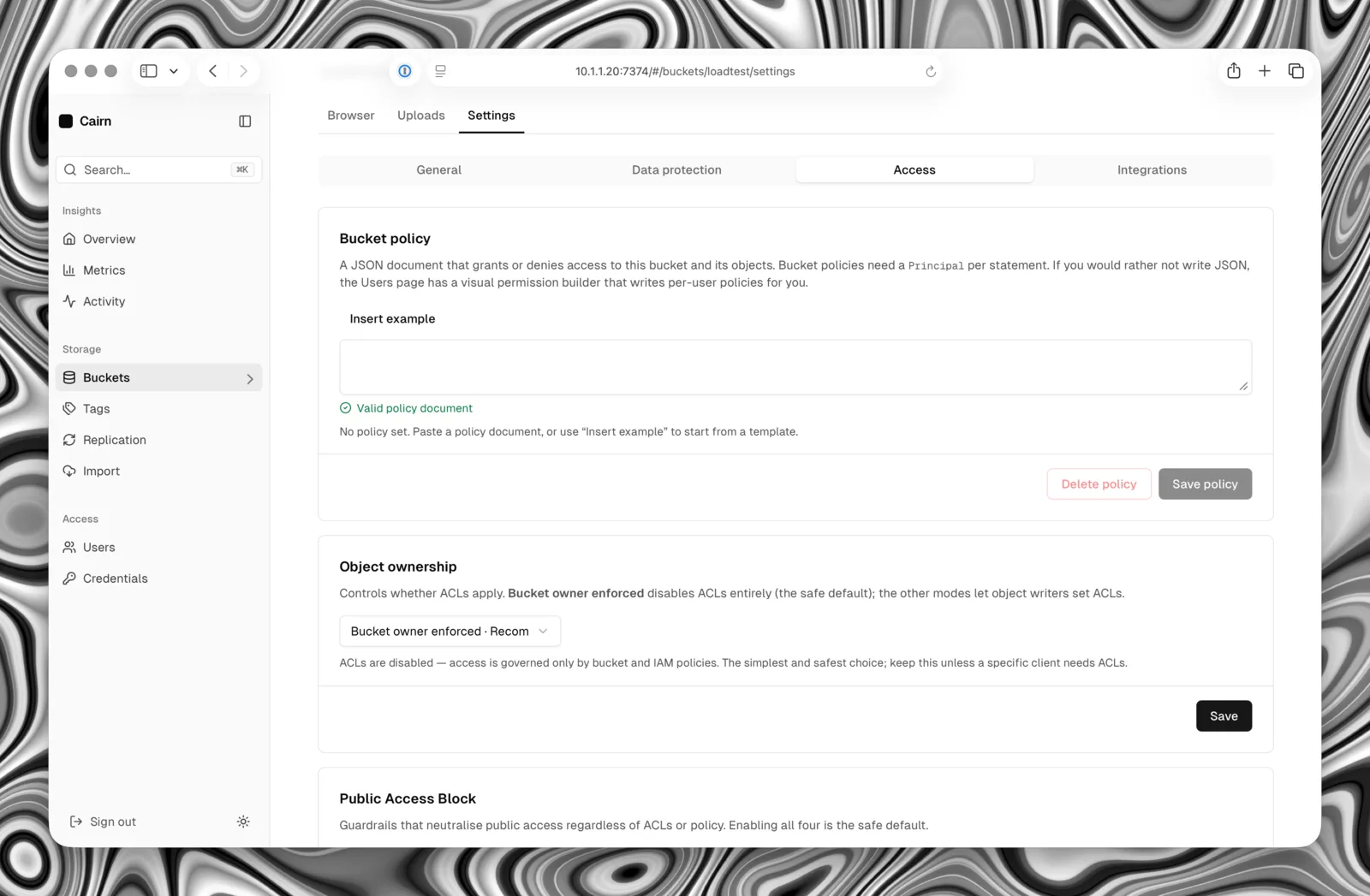
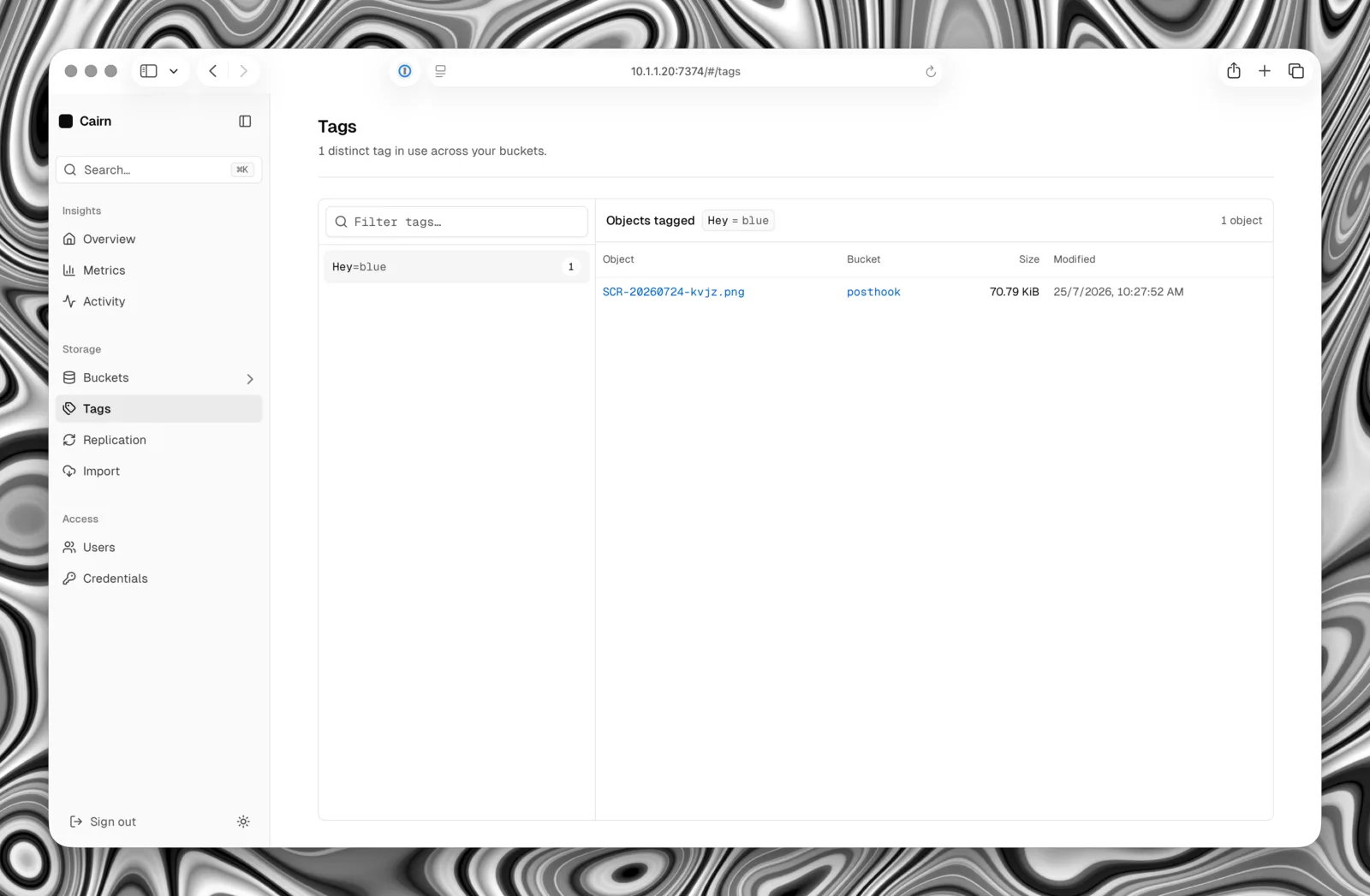
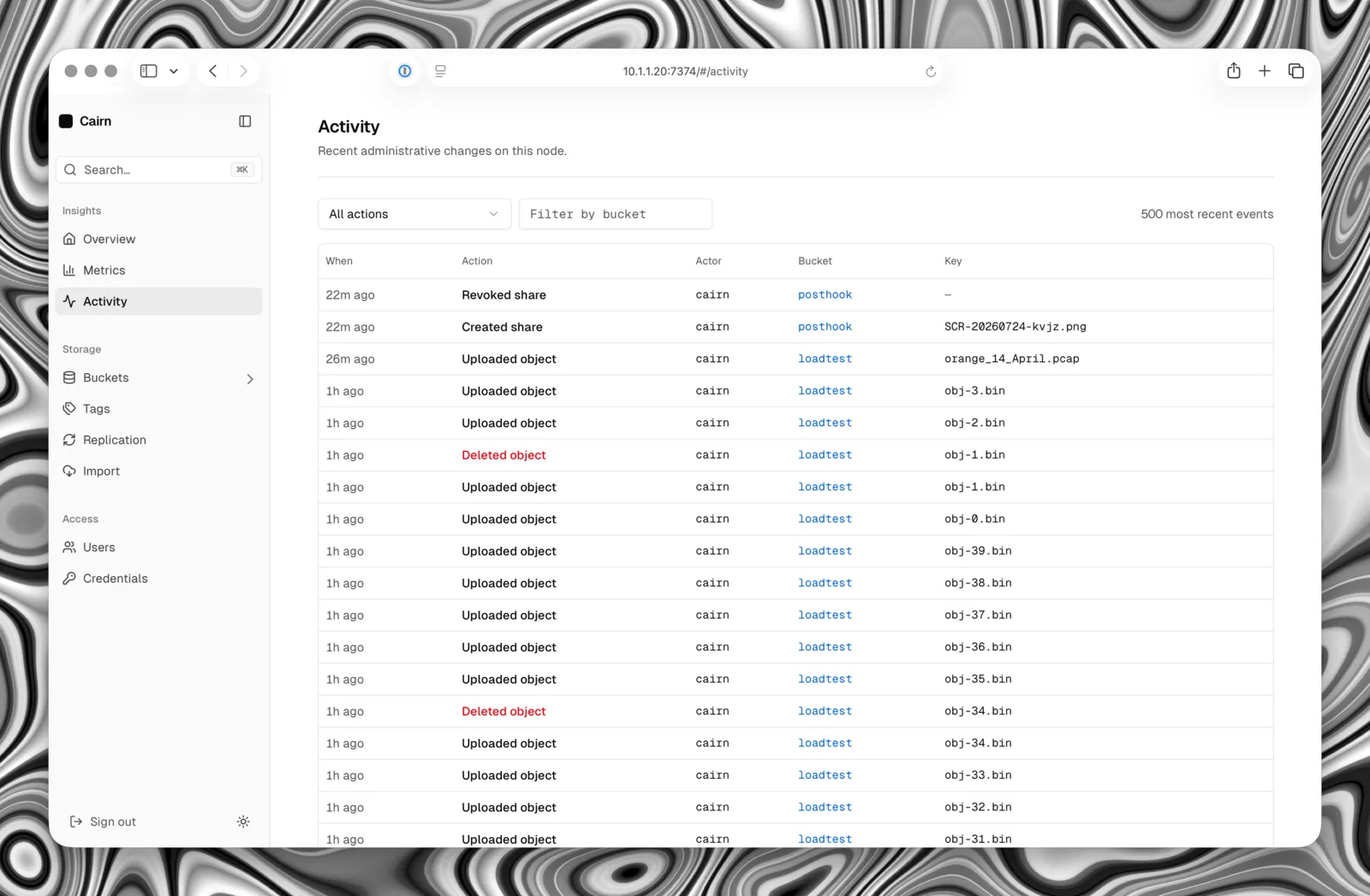
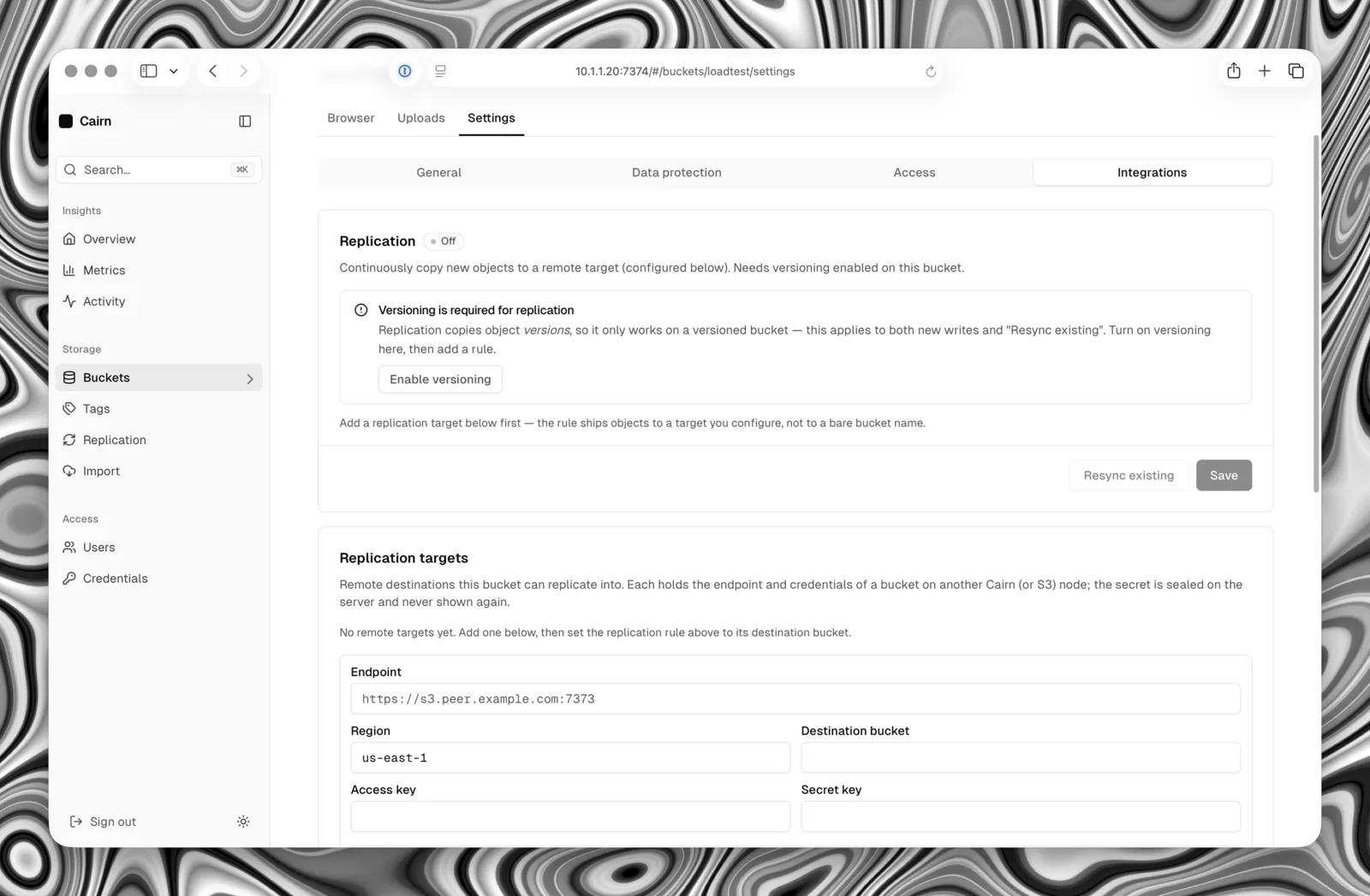
The S3 wire protocol is a commodity; the console is the reason to pick Cairn. It ships inside the same binary — nothing extra to deploy — and handles administration alongside object browsing, uploads and sharing. These screenshots show a development build; the configuration reference below uses the current release's endpoint names.
Measure the workload you run
Cairn's benchmark suite covers small-object rates, large-object bandwidth, metadata queries, and sustained replication. A repeatable MinIO warp comparison runs both servers on the same host with the same workload. Results depend on the hardware, build, object sizes, encryption, compression, and durability settings.
The benchmark record includes measurements, limitations, and reproduction commands. The scaling guide explains the single-node and single-writer limits to consider when sizing a deployment.
Built to replace a single-node MinIO
If you run a single-node MinIO, or any single-drive or single-host S3 endpoint, Cairn is built to replace it: a simpler operational model, a smaller and safer binary, transparent compression, an embedded console, and asynchronous replication for redundancy — without losing S3 compatibility. The wire protocol is a commodity; the console and the operational model are the product.
- Written in Rust
- Predictable, garbage-collector-free tail latency, and memory safety on a surface that parses untrusted input — SigV4 chunk framing, S3 XML, policy JSON — with no runtime cost.
- Self-contained
- The web console is compiled into the binary; there is no separate service to deploy. The CLI gives the same control from a terminal.
- Honest about what it is
- Single-node by design, and clear about the line. See Scope.
Single-node by design
Cairn is single-node by design: one process, one data filesystem, one metadata database. That's the line, and it's deliberate — it's what keeps Cairn simple to operate.
- Cross-host redundancy comes from asynchronous bucket replication — eventually consistent, with observable lag — not from clustering. There is no consensus, cross-host sharding, or erasure coding.
- Drive redundancy is left to the storage underneath: ZFS, RAID, or a replicated block volume.
- Server-side encryption is real, but the
aws:kmskey id is a validated label over the one node master key, not independent key material — so it is SDK compatibility, not cryptographic tenant isolation. A dedicated external KMS with distinct per-key material isn't implemented yet. - The target is homelab and small-to-mid production that wants the S3 API and a console without running a distributed system.
Deploy Cairn
Requires Linux 5.6+ with openat2 support and durable file and directory synchronization. Docker uses the host's kernel. The installer sets up a host service or Docker, generates credentials and a master key, and updates an existing install when run again. It keeps both ports on loopback unless you explicitly expose them.
curl -fsSL https://raw.githubusercontent.com/Harsh-2002/Cairn/main/install.sh | sudo shRun the container directly
Create cairn.env once to save a master key and administrator credentials. This command refuses to overwrite an existing file. Reuse the same file whenever you recreate the container with its data volume, and keep it out of version control.
(umask 077; set -C
  printf '%s\n' \
    "CAIRN_MASTER_KEY=$(openssl rand -hex 32)" \
    "CAIRN_ROOT_ACCESS_KEY=cairn" \
    "CAIRN_ROOT_SECRET_KEY=$(openssl rand -hex 24)" \
    > cairn.env
)The image runs as nonroot, stores data in /data, and includes a readiness health check. Start it with the saved environment file:
docker run -d --name cairn \
  -p 127.0.0.1:7373:7373 -p 127.0.0.1:7374:7374 \
  -v cairn-data:/data --env-file ./cairn.env \
ghcr.io/harsh-2002/cairn:latestOr with Docker Compose
Use the same cairn.env alongside this file and run docker compose up -d. Optional overrides are commented; certificate paths also need corresponding volume mounts.
services:
  cairn:
    image: ghcr.io/harsh-2002/cairn:latest
    container_name: cairn
    restart: unless-stopped
    ports:
      - "127.0.0.1:7373:7373"   # S3 + native administration
      - "127.0.0.1:7374:7374"   # optional web console
    volumes:
      - cairn-data:/data
    env_file:
      - ./cairn.env
    environment:
      CAIRN_REGION: "us-east-1"

      # Optional overrides
      # CAIRN_ENCRYPT_AT_REST: "true"         # off by default
      # CAIRN_S3_DOMAIN: "s3.example.com"     # virtual-host style
      # CAIRN_TLS_CERT_PATH: "/certs/tls.crt" # TLS (set both)
      # CAIRN_TLS_KEY_PATH: "/certs/tls.key"
      # CAIRN_CONSOLE_ADDR: "off"             # API-only operation
      # CAIRN_API_PUBLIC_URL: "https://s3.example.com"
      # CAIRN_CONSOLE_PUBLIC_URL: "https://console.example.com"
volumes:
cairn-data:Open http://localhost:7374 and sign in with access key cairn and the secret saved in cairn.env. S3 and native administration usehttp://localhost:7373. These examples publish both ports on loopback.
For remote access, configure TLS and distinct API and console origins using theingress guide. Restrict /api/v1 at the API ingress if S3 is public but administration is private. Existing installations should follow theupgrade and rollback guide before updating.
Configure with the environment
Cairn is configured entirely by CAIRN_* environment variables — no config file, no server flags — so a deployment is reproducible whether it runs on a host or in a container. Invalid values and unknown names fail fast at startup. Set a persistentCAIRN_MASTER_KEY and a non-default CAIRN_ROOT_SECRET_KEY for a real node. cairn validate-config checks the environment before starting the server.
| Variable | Default | What it's for |
|---|---|---|
| CAIRN_MASTER_KEY | a dev key (insecure) | A 32-byte hex key that seals every secret at rest. Set it in production — a node still on the built-in key refuses to bind a public address. Keep it constant for the life of your data. |
| CAIRN_ROOT_ACCESS_KEY | cairn | The root administrator's access key, ensured on every startup. |
| CAIRN_ROOT_SECRET_KEY | cairnadmin | The root administrator's secret. Override it before exposing a node. |
| CAIRN_API_ADDR | 0.0.0.0:7373 | S3 and native administration at /api/v1, plus health, readiness, metrics, STS and API share links. |
| CAIRN_CONSOLE_ADDR | 0.0.0.0:7374 | The console, browser sessions and forced-download share links. Set to off / none / disabled for API-only operation; native administration stays available. |
| CAIRN_DATA_DIR | ./data | Root of object storage; /data in the container. Must share a filesystem with the metadata database. |
| CAIRN_DB_PATH | ./data/cairn.db | The SQLite metadata file; /data/cairn.db in the container. Use the offline backup procedure for metadata and object data together. |
| CAIRN_REGION | us-east-1 | The region label returned by the location API and checked in the SigV4 credential scope. |
| CAIRN_TLS_CERT_PATH / _KEY_PATH | unset (plaintext) | Set both to enable built-in TLS; otherwise run plaintext behind a TLS-terminating proxy. |
| CAIRN_ENCRYPT_AT_REST | off | Transparently encrypt every stored object at rest, even when the client sends no SSE header. |
| CAIRN_S3_DOMAIN | unset | Base domain for virtual-host-style addressing (bucket.domain); unset serves path-style only. |
| CAIRN_API_PUBLIC_URL | unset | External API origin for S3 presigned URLs and API share links. Must differ from the console origin. |
| CAIRN_CONSOLE_PUBLIC_URL | unset | External console origin for download shares. Set both public origins behind a reverse proxy; this does not enable a disabled console. |
| CAIRN_TRUSTED_PROXIES | unset | Exact proxy IPs or CIDRs allowed to supply forwarding headers. Required when a proxy terminates HTTPS for console sessions. |
| CAIRN_META_SYNCHRONOUS | full | full makes acknowledged writes durable across power loss. normal reduces synchronization but may lose recent acknowledged writes after power loss. |
| CAIRN_ALLOW_INSECURE | off | Permit the built-in insecure defaults on a public bind — for a closed demo rig only, never production. |
That's the common set. Replication, lifecycle, webhooks, KMS allow-listing, metadata sharding, runtime and durability tuning are covered in the full CAIRN_* reference.
Upgrading an earlier installation? Retired listener and public-URL names are rejected. Follow the configuration migration. The Cairn CLI uses --api-endpoint orCAIRN_API_ENDPOINT for both administration and S3 operations.
Use it with the AWS CLI
Because Cairn speaks the S3 API, the aws CLI and the AWS SDKs work against it unmodified — you just point them at the endpoint. Configure a named profile with the access key and secret from your installer or cairn.env, and region us-east-1:
aws configure --profile cairnUse that profile for bucket and object commands:
# A short alias for the endpoint
alias s3="aws --profile cairn --endpoint-url http://localhost:7373"

s3 mb s3://demo                        # create a bucket
s3 cp ./report.pdf s3://demo/          # upload a file
s3 ls s3://demo/                       # list objects
s3 cp s3://demo/report.pdf ./out.pdf   # download it back
s3 sync ./site s3://demo/site          # sync a directory
s3 presign s3://demo/report.pdf --expires-in 3600 # shareable linkMultipart uploads, byte-range reads, versioning, tagging, and presigned URLs are supported. See the S3 API support matrix for the exact surface.
One version, always the latest
Cairn is calendar-versioned. A release is tagged vYYYY.MM.DD, and exactly one release is ever active: cutting one publishes today's tag, attaches the staticlinux/amd64 and linux/arm64 binaries with a SHA256SUMSmanifest, promotes the signed multi-arch image to its version tag and :latest, and retires strictly older calendar-versioned releases and tags. A release is a deliberate, manual act, gated on a green CI run for the exact commit it ships.
Binaries and checksums have keyless signatures; the binaries and container image carry build provenance. Every release includes an SPDX software bill of materials and an immutable image digest. See artifact verification before deploying.
Why keep only one active version? Cairn is single-node, self-hosted infrastructure — not a library other code compiles against — so there is no dependency graph pinning old versions and no back-catalogue of stale binaries to pick the wrong one from. One line moves forward: the latest release is the supported release. The version is baked into the binary and reported bycairn --version and the console's node details, and always equals the tag it shipped in; a local build reports a -dev string so it is never mistaken for a release. Each node checks for a newer version hourly and surfaces a hint in the console — best-effort, and off if you set CAIRN_UPDATE_CHECK_ENABLED=false.